• About
Online Teaching Home Link
  • Articles
  • Guides
  • Innovative Practices
  • Compliance
  • Resources
Online Teaching Home Link
  • Articles
  • Guides
  • Innovative Practices
  • Compliance
  • Resources
  • About

Accessible & Inclusive Teaching

In This Section
  • Articles
  • Guides
    • Getting Started
    • Designing an Online Course
    • Developing Content
    • Facilitating an Online Course
    • Communicating with Students
    • Training Courses
  • Innovative Practices
    • Generative AI
    • Extended Reality (XR)
    • Educational Technology
  • Compliance
    • GenAI
    • Financial Aid
      • Credit Hours
      • Regular and Substantive Interaction
      • Academic Engagement and Attendance
    • Student Conduct and Academic Integrity
      • Deterring Academic Misconduct
      • Deterring Prohibited Student Conduct
    • Student Data Privacy
    • Students with Disabilities and Digital Accessibility
    • Copyright
      • Copyright
      • Open Educational Resources
  • Resources
    • Accessible & Inclusive Teaching
    • Artificial Intelligence
    • Assessments
    • Media & Recording
    • Teaching Tips
    • Instructor Voices
  • About

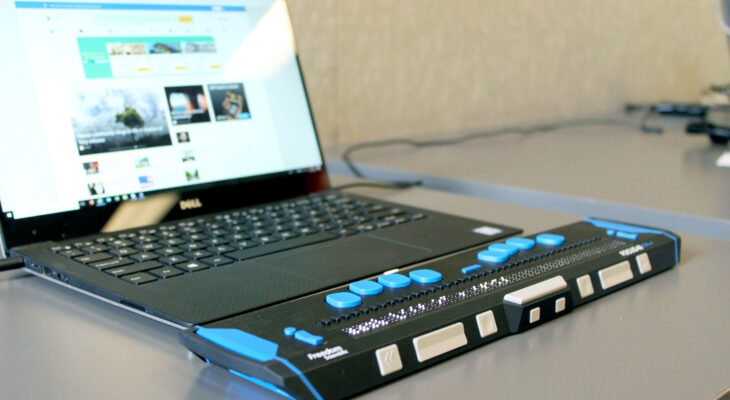
A laptop with a screen reader

Accessibility When Designing Online and Hybrid Courses
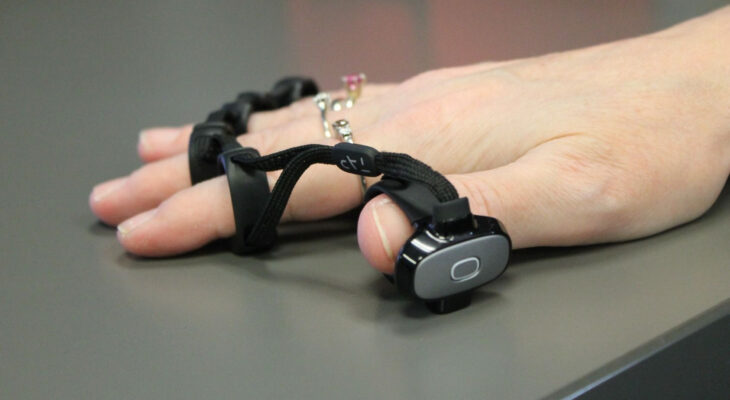
A hand wearing a virtual keyboard device

Accessibility When Facilitating Online Courses
A black and white image of a person using a laptop

Creating Authentic Assessments | Online Teaching
A group of students in a library sit around a laptop and talk

Inclusive Teaching
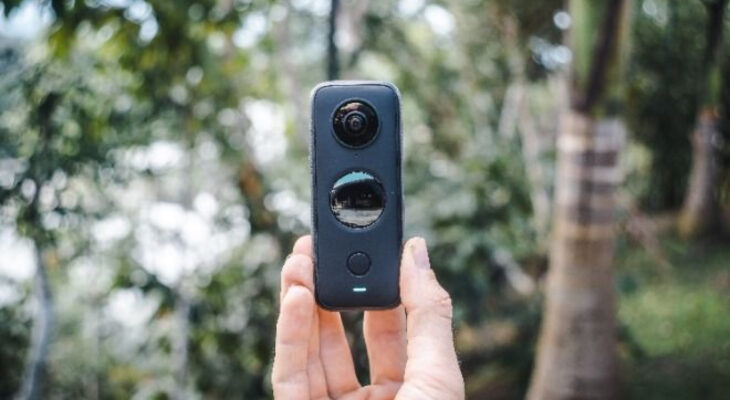
A hand holds a 360 degree camera

Extended Reality and Accessibility
A blind man uses a computer with a Braille display and a computer keyboard. Inclusive device.

Updates to Digital Accessibility Regulations
A person wearing large over-ear headphones is focused on a laptop, with one hand on a Braille display in front of the keyboard.

Making your course accessible
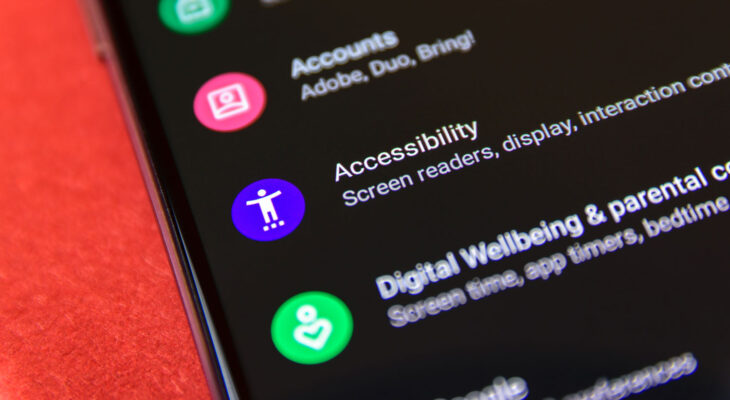
A smartphone screen displays the "Accessibility" settings option, including a purple icon and text mentioning screen readers and display settings.

From Audit to Action: Improving Our Online Learning Portfolio for Digital Accessibility
A young woman with long brown hair is seated at a green table in a library, typing on a laptop that rests atop a small stack of hardcover books. In the softly lit background, another woman with blonde hair and glasses is also reading at a separate table.

Access vs. Accessibility
Young adult asian female with protective face mask is working on a laptop at a cafe.

Teaching Through Trauma
Person wearing over-ear headphones viewed from behind, facing a vivid abstract cloudscape of swirling pink, blue, purple, and orange colors.

Improvement access for neurodivergent learners in online courses

Subscribe to the Online Teaching Newsletter

Get the latest on emerging technologies, relevant resources, and expert insights to elevate your online courses, all delivered directly to your inbox. Read the latest Online Teaching newsletter here. 

Subscribe
University of Michigan Academic Innovation Link
317 Maynard St.
Ann Arbor, MI 48104
[email protected]
Privacy Policy
Sitemap
  • Articles
  • Guides
  • Innovative Practices
  • Compliance
  • Resources
  • About

© 2026 The Regents of the University of Michigan